
Interface & controls
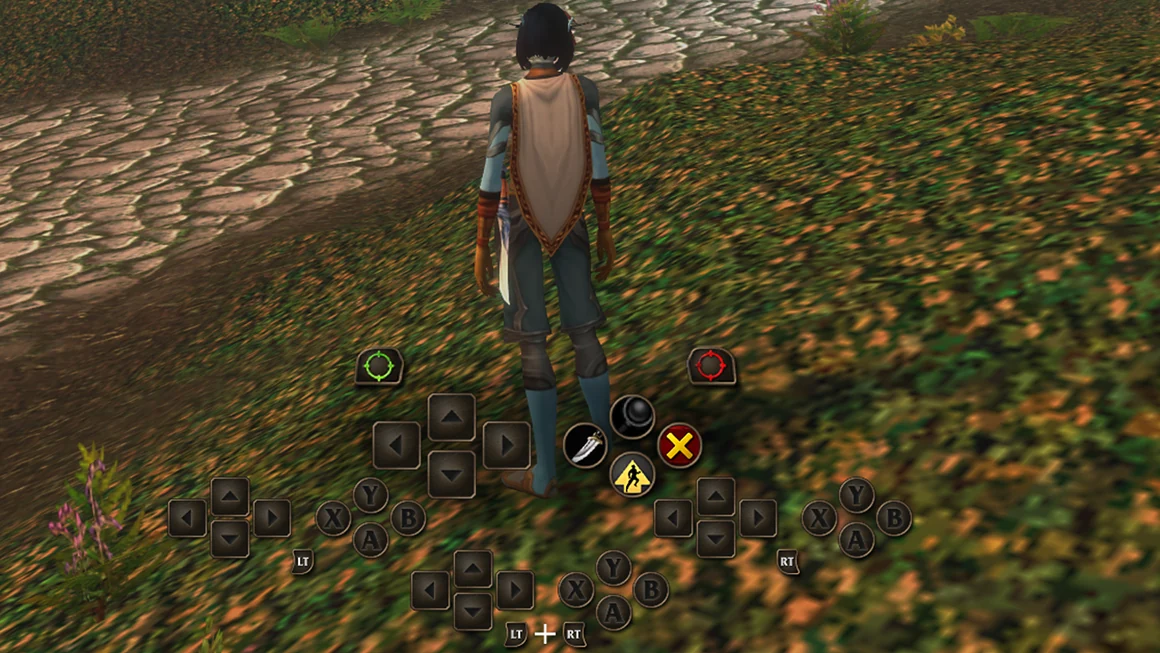
Set up the keyboard, mouse or gamepad you use for World of Warcraft: Forever. Find a missing quest marker, move a bar that covers the fight or select the teammate who needs a heal.
Map, action bars and addons
Restore a missing quest marker, move a bar or find the addon folder that your copy of Forever loads.
Get a missing quest objective back on your map
Restore a missing objective in the quest log, tracker or map filters.
Read guideMove your action bars and save a custom screen layout
Move your bars, check that nothing covers the fight and save the layout.
Read guideInstall a Forever addon and find out why it won’t load
Find the live Forever AddOns folder and isolate an addon that fails to load.
Read guidePut a missing spell back on your action bar
Recover one missing spell on a keyboard or controller, keep the slot’s shortcut and check that the icon survives your next login.
Read guideGamepad and party targeting
Find the buttons on your controller, switch bars and check which friendly player you have selected.
Keybindings and macros
Put a Rogue interrupt on a button you can reach, or heal the player under your cursor while keeping an enemy selected.