
World of Warcraft
Choose the version you play. Quests, group rules and controls can change between editions.
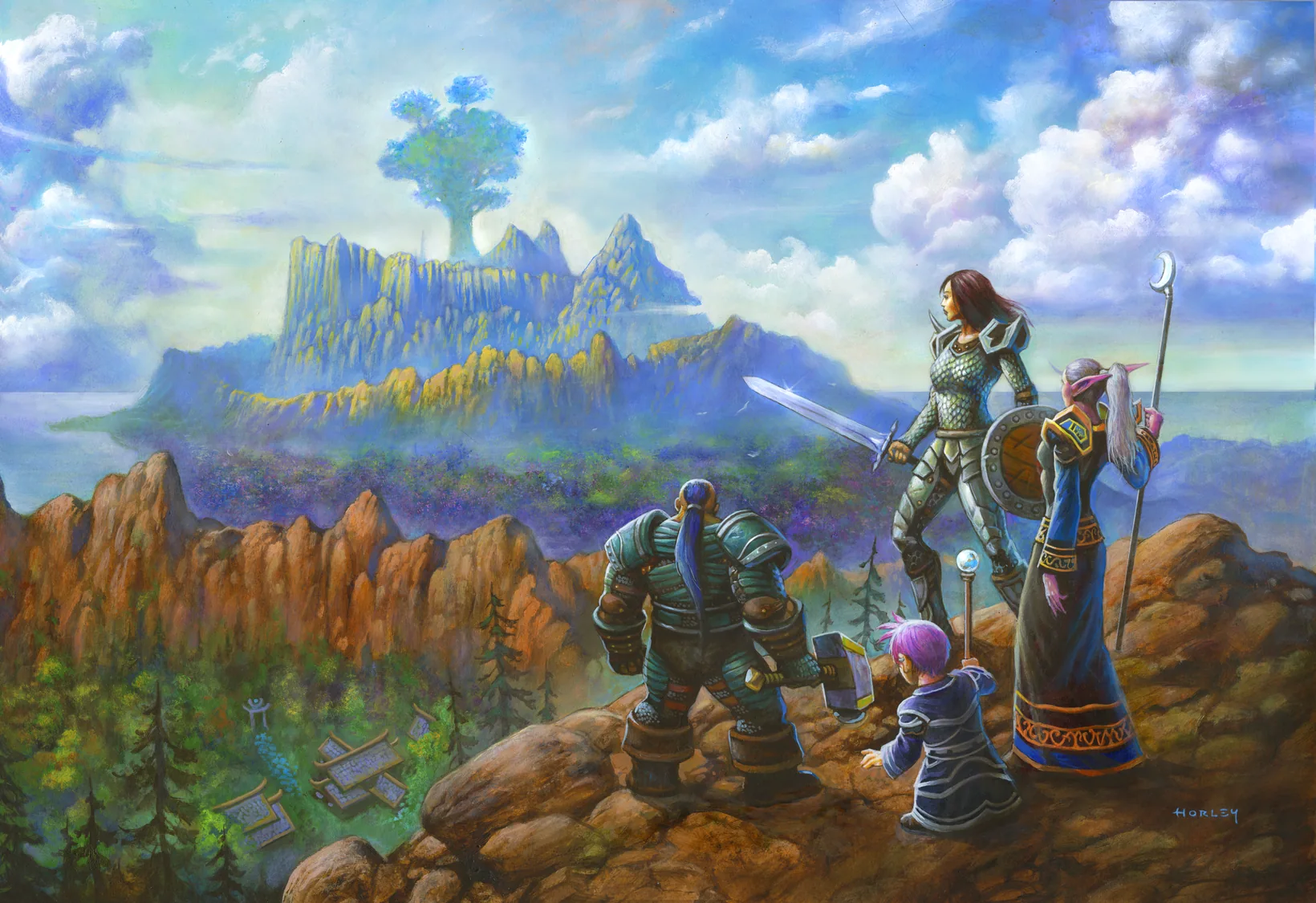
World of Warcraft: Forever
Play in Blizzard’s reimagined Azeroth on Windows or Mac. Find a place to quest, a way through a dungeon, or the controls for your first group.
Browse World of Warcraft: Forever guidesWhich version did I launch?
In Battle.net, open World of Warcraft and check the game version above the Play button. Choose World of Warcraft: Forever for these guides. If you see a choice between Classic and Enhanced after launching Forever, those are interface presets within the same game.
Install Forever and choose your presetWorld of Warcraft: Forever topics
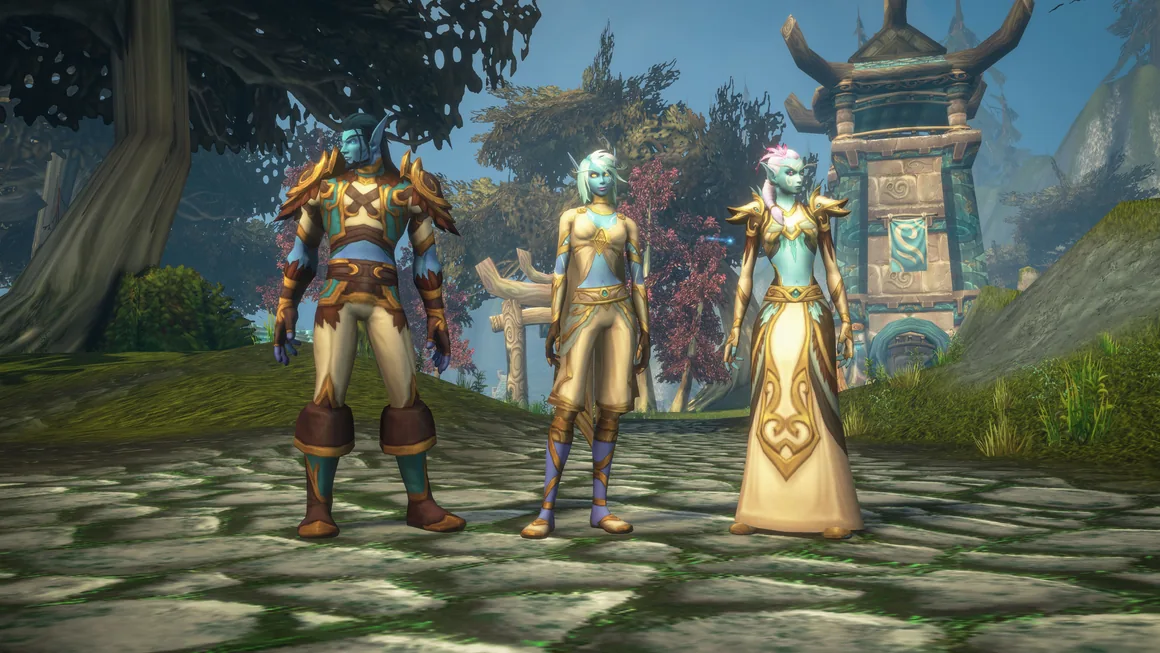
Getting started
Install the game and create characters who can play together.
Browse guides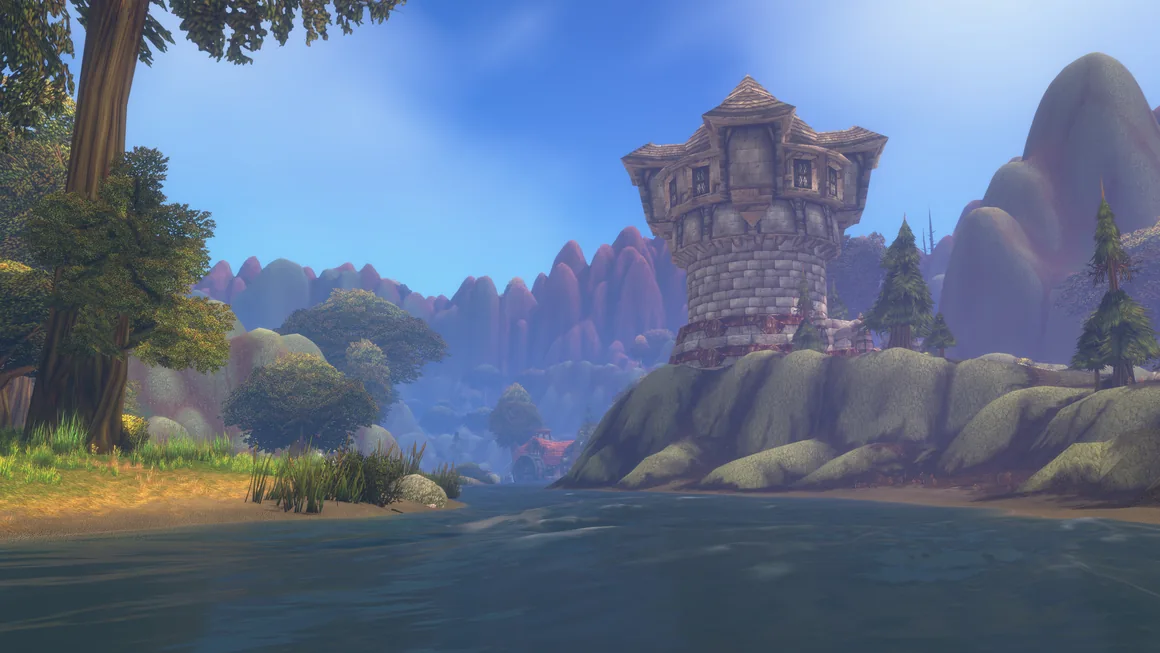
Leveling & quests
Find a quest you can pick up and follow it through the hand-in.
Browse guides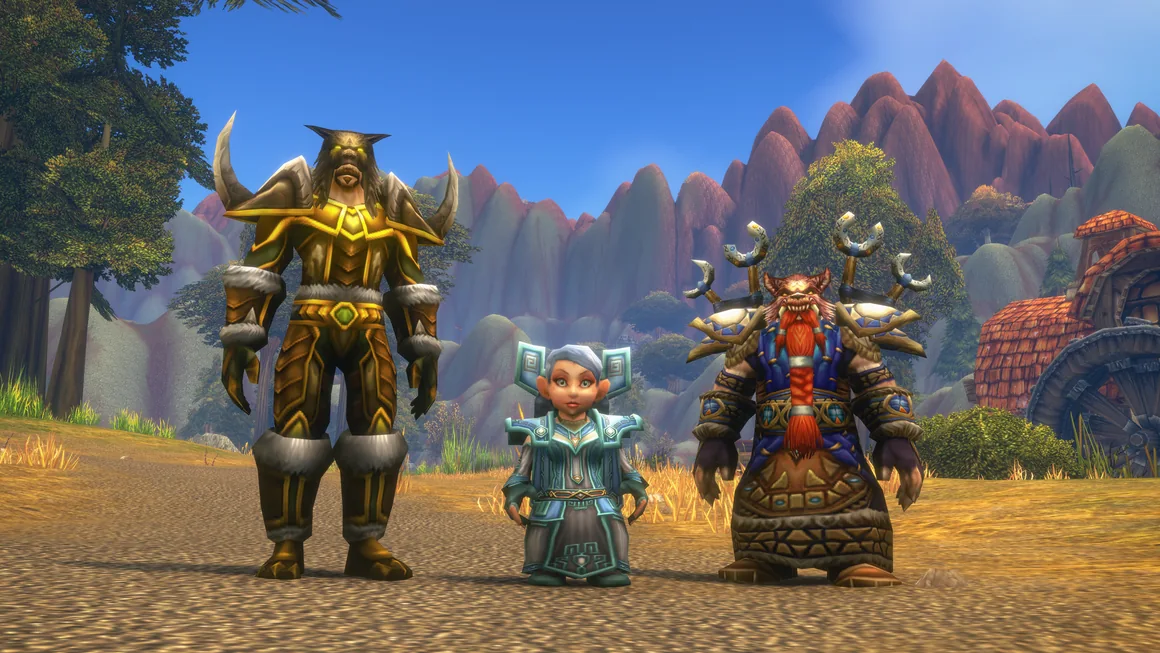
Classes & builds
Choose a leveling build, learn to tank or heal, and unlock class pets and abilities.
Browse guides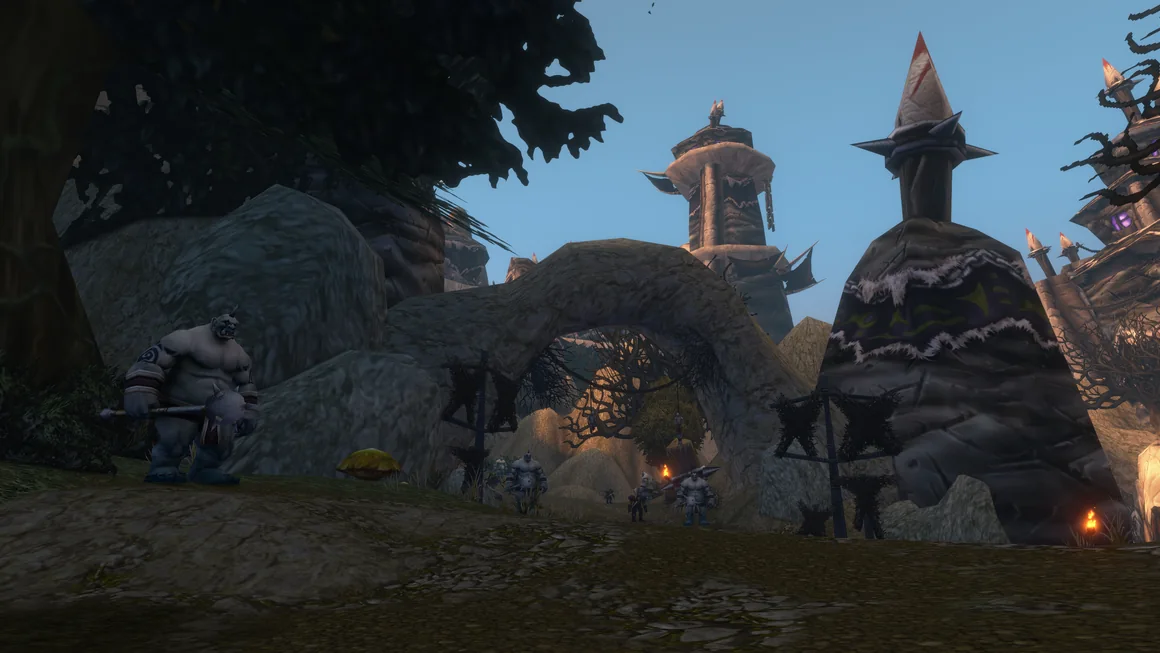
Dungeons & raids
Find a dungeon entrance, regroup after a wrong turn or check what you need to enter a raid.
Browse guides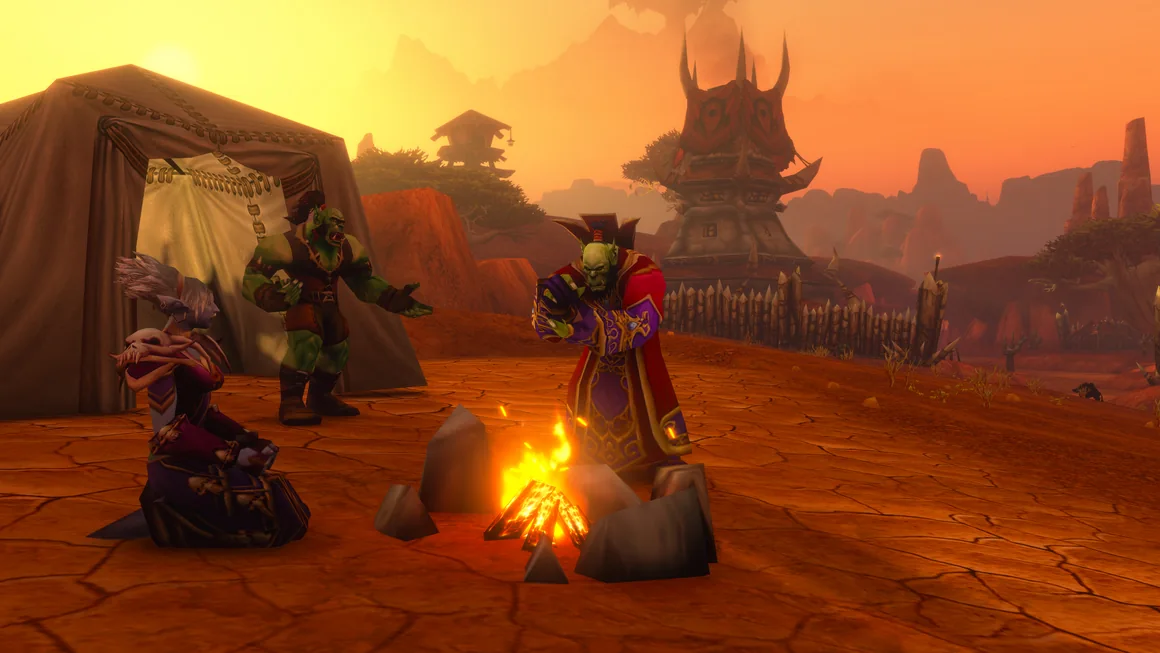
Professions & gold
Find trainers, gather ore and herbs, craft a bag or price your goods for auction.
Browse guides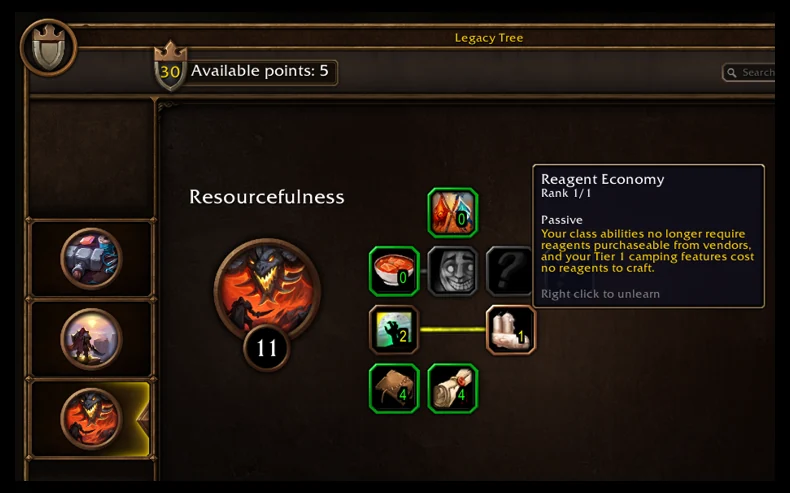
Legacy & collections
Get your first mount, find hidden books and collect pets, armor and Legacy perks.
Browse guides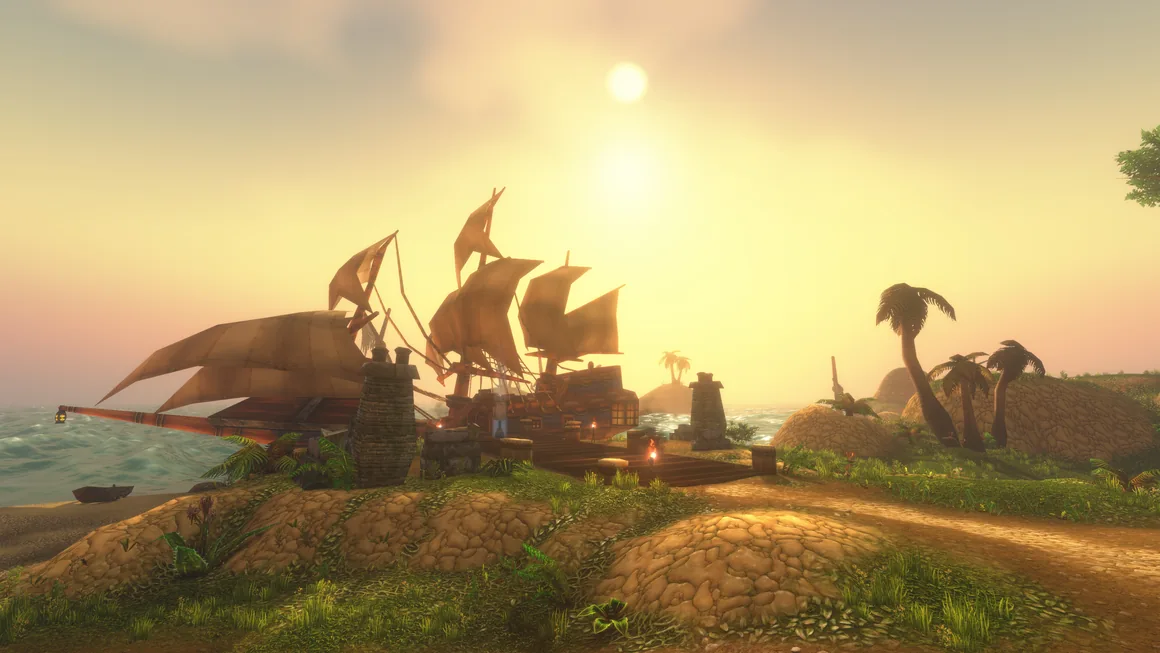
Player vs. player
Check your PvP flag, find your battleground objective and earn faction gear.
Browse guides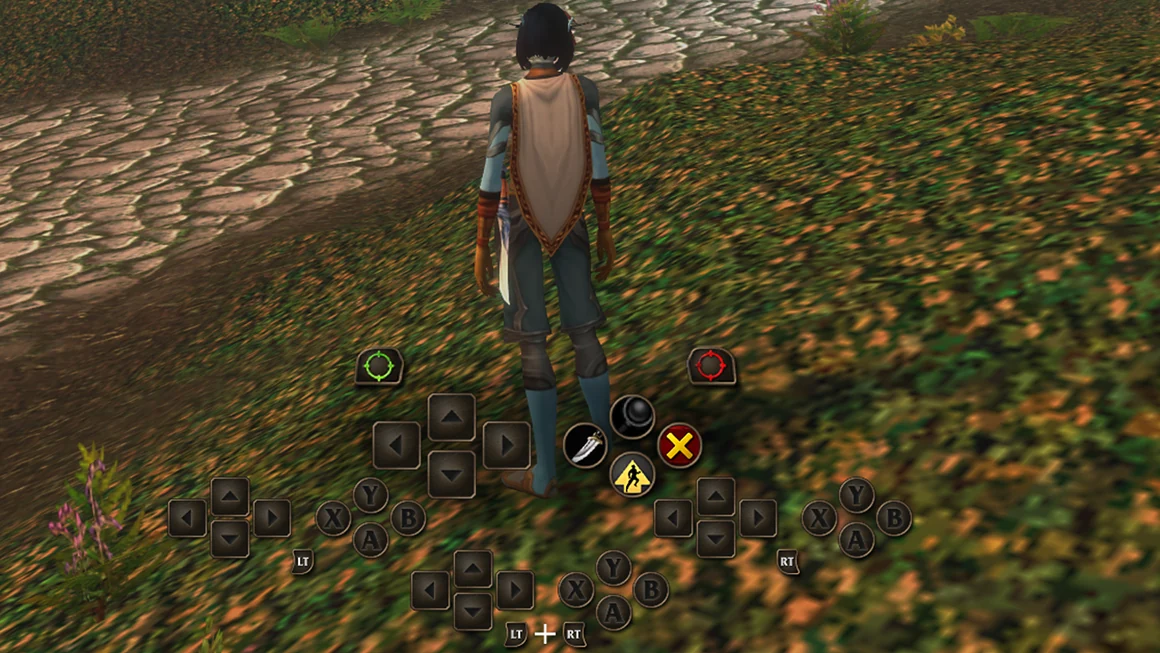
Interface & controls
Set up a gamepad, switch action bars and target the right party member.
Browse guides