
Why it can rain in one part of GTA 6 while another stays sunny
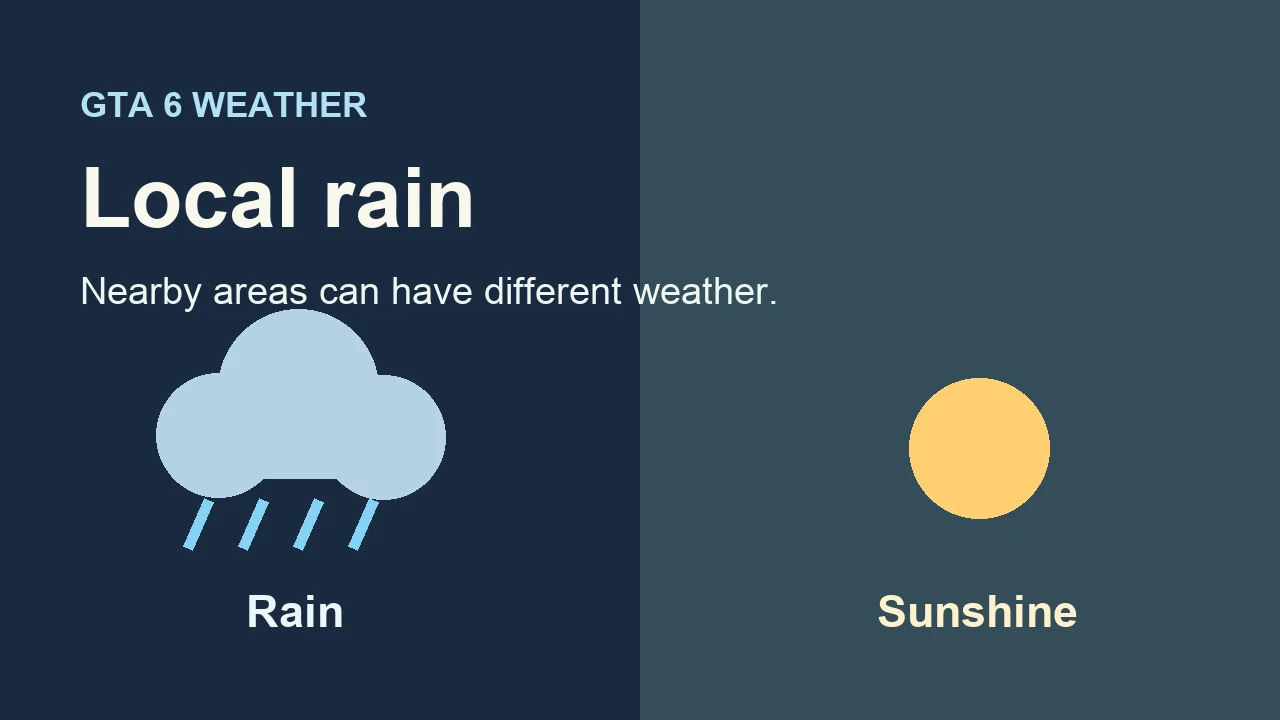
Rain can fall in one part of Leonida while the sun is still out nearby. In Abyss Breakdown’s Vice City Beach footage, dark clouds cover one stretch of water while the beach to the right stays bright. Rockstar fixed a separate bug on November 23 that could leave the same weather in place for extended periods.
Some PS5 players who still saw little rain after the update said clearing the system software cache helped. Others reported little or no change.
Watch the horizon at 1:36
At 1:36 the player stands at the water’s edge. The clouds to the left are almost black. Look to the right and you can still see blue sky above the sunlit water. By 2:24 the player has walked along the same beach and there’s a larger patch of blue in view.
Kotaku’s Zack Zwiezen described crossing a storm by plane in his November 24 report. The flight started in sunshine. Rain hit as he reached the dark clouds and stopped once he flew past them. The video above shows the view from the shore. Zwiezen was in the air for his observation.
If rain is still missing after the update
Check for the November 23 update first. Rockstar’s patch notes cover PS5 and Xbox Series X or S. The cache workaround comes from PS5 players on Reddit. On November 26, one player said it brought back changing weather. Other players reported little improvement, and a November 27 post described the same problem after two attempts.
Save your game and back up your save data before using Safe Mode. Turn the PS5 fully off. Press the power button until you hear the second beep, then release it. Connect the controller by USB and press the PS button.
Choose Clear Cache and Rebuild Database, then Clear System Software Cache. Restart the console and load your existing save. Avoid either Reset PS5 option. Sony says both erase user data.
Rockstar has yet to confirm the workaround. If the weather still stays the same, tell Rockstar Support which console and game version you use and how long you played without seeing a change.
Check for the GTA 6 update on your consoleHow to change the weather yourself
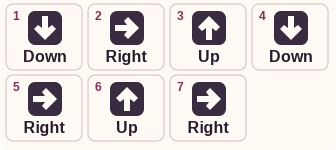
If Cycle Weather is unlocked in your game, use the D-pad sequence below to switch conditions. It works on PS5 and Xbox. To watch a storm develop on its own, leave the cheat off.
Sources
- Abyss Breakdown’s Vice City Beach recording, November 23
- Zack Zwiezen’s flight through a storm for Kotaku, November 24
- Rockstar’s November 23 weather fix
- GamesRadar’s Cycle Weather inputs
- PlayStation: official PS5 Safe Mode instructions
- Reddit, November 26: PS5 weather workaround discussion
- Reddit, November 26: mixed results
- Reddit, November 27: cache clearing did not resolve the problem
- GamesRadar, November 26: reporting on community workaround